Ask, and the workflow is built
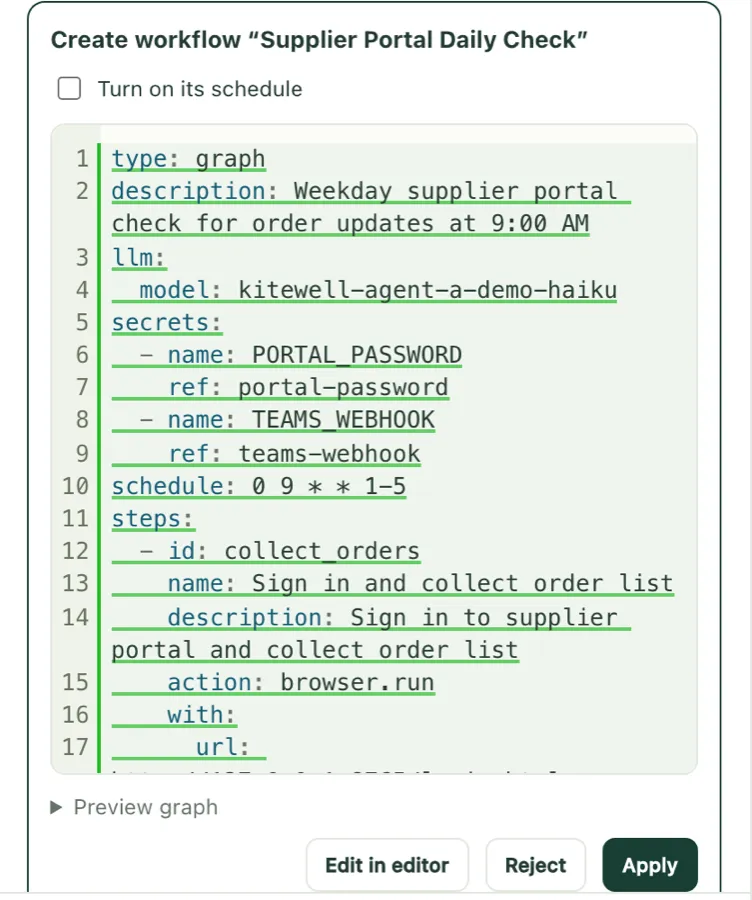
Say what you want in your own words, and the assistant builds a workflow and proposes it.
Nothing is saved until you choose Apply.
AI RPA · Kitewell
Kitewell is AI RPA: AI does the clicking in web and desktop apps, and people make the decisions. When a screen change stops a robot built by hand, Kitewell's AI relearns the step and carries on. You build and fix workflows by talking to an AI assistant, and the reason for every fix stays in your team's knowledge.
Watch the film (74 s, with sound)A script built by hand
Clickx 550, y 524 button#sign-in
Element not found: button#sign-in
Kitewell, on the same changed page
DoClick Sign inRecovered
Make suretext "Invoices"Completed
The interface comes in six languages, including English and Japanese. Chat and steps work in any language your chosen AI model supports. Based on real Kitewell runs. The supplier portal is fictional.
Robots were built by hand and fixed by hand whenever a screen changed. In 74 seconds: you describe the job, AI learns it on the first run and finds the new way when a site changes, it stops for your OK, works through an Excel list, and keeps your passwords on your computer.
With traditional RPA, people build scenarios in a dedicated designer and fix them by hand whenever a screen changes. With Kitewell, you say what you want and AI builds it, and when something breaks, AI fixes it.
1
Describe the job in your own words, and AI puts the workflow together. No scenario skills or dedicated designer needed.
2
When a screen changes, AI reads it again and carries on. When a run stops, ask the AI, and it finds the cause and proposes a fix.
3
People approve the decisions that need judgment, and everything AI did or changed is on record.
A small change to a web system stops the robot.
With KitewellWhen a screen changes, AI reads it again and carries on.
When that person moves on, nobody can.
With KitewellAs you work, the assistant writes down what each workflow is for and why it was fixed.
Robots multiply across departments, unseen.
With KitewellEvery run and change is recorded, and a robot ledger exports to Excel.
To hand an AI agent work that needs a sign-in, you usually tell it the password in the chat or let it use the browser you are signed in to. A password told in the chat goes to the AI provider and stays in the history; a signed-in browser puts every account signed in there within the AI's reach.
What the AI gets
Enter %password% in the password field and sign in
Only the password's name
What Kitewell types
The real password, encrypted on your machine
The assistant never asks for a password in the chat; it shows a masked field there for you to store it. A value that shows up in a run log is masked, and team sync carries only the name.
Web steps run in a browser kept for workflows, separate from the one you use every day, so the AI cannot reach the mail and admin pages you are signed in to there. You can also limit which sites it may open.
Kitewell types the password, so scheduled runs at night or on weekends need no one standing by to sign in.
Everything RPA could not reach, in the same workflow.
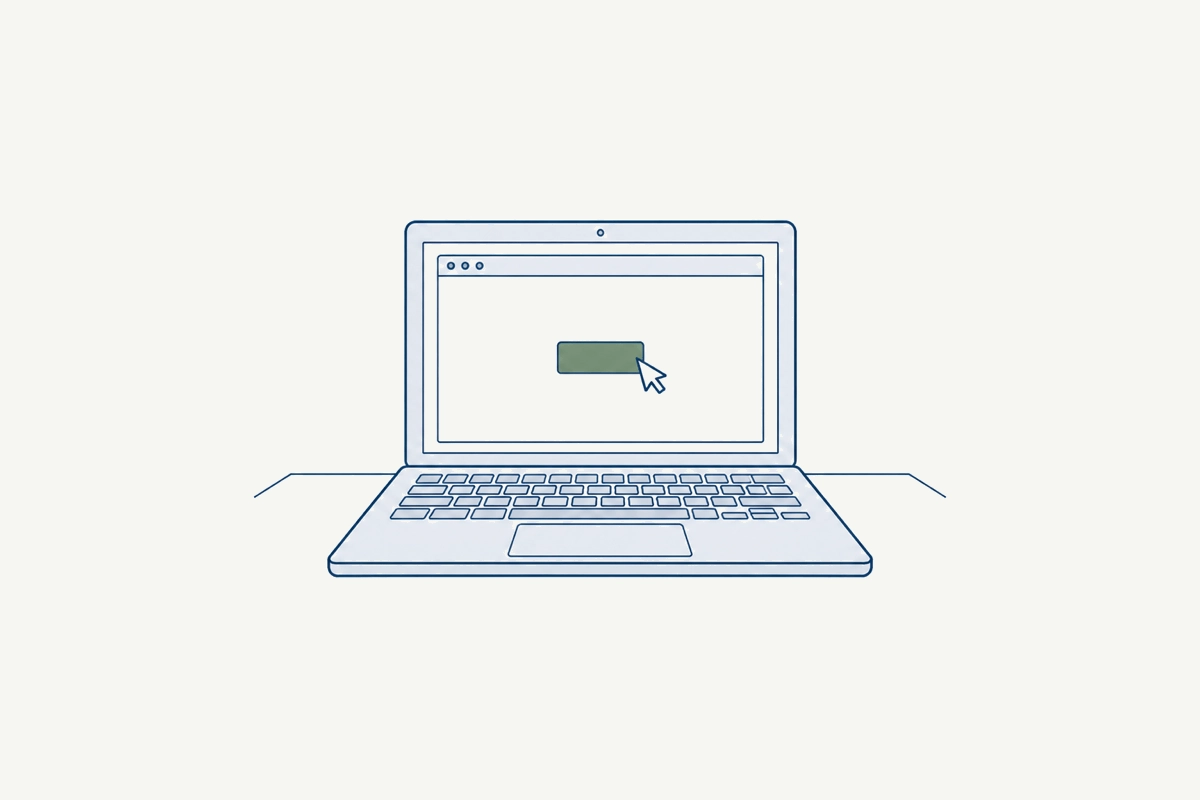
Supplier portals, SaaS, and internal web systems. Write the steps in words, and AI operates Chrome the way a person does. A small screen change does not stop it.
Sign-ins are kept only on that machine.

Sales and accounting software and dedicated clients with no API. On macOS and Windows, AI reads the screen and works the mouse and keyboard.
It waits while a person is using the mouse or keyboard, and an approval can sit before a save.

Gmail, Microsoft 365, and any IMAP mailbox. Find what arrived, have AI read it, record it in a ticket or ledger, and organize what was handled.
Connections and credentials stay on the machine. A failed email is handled again next run.
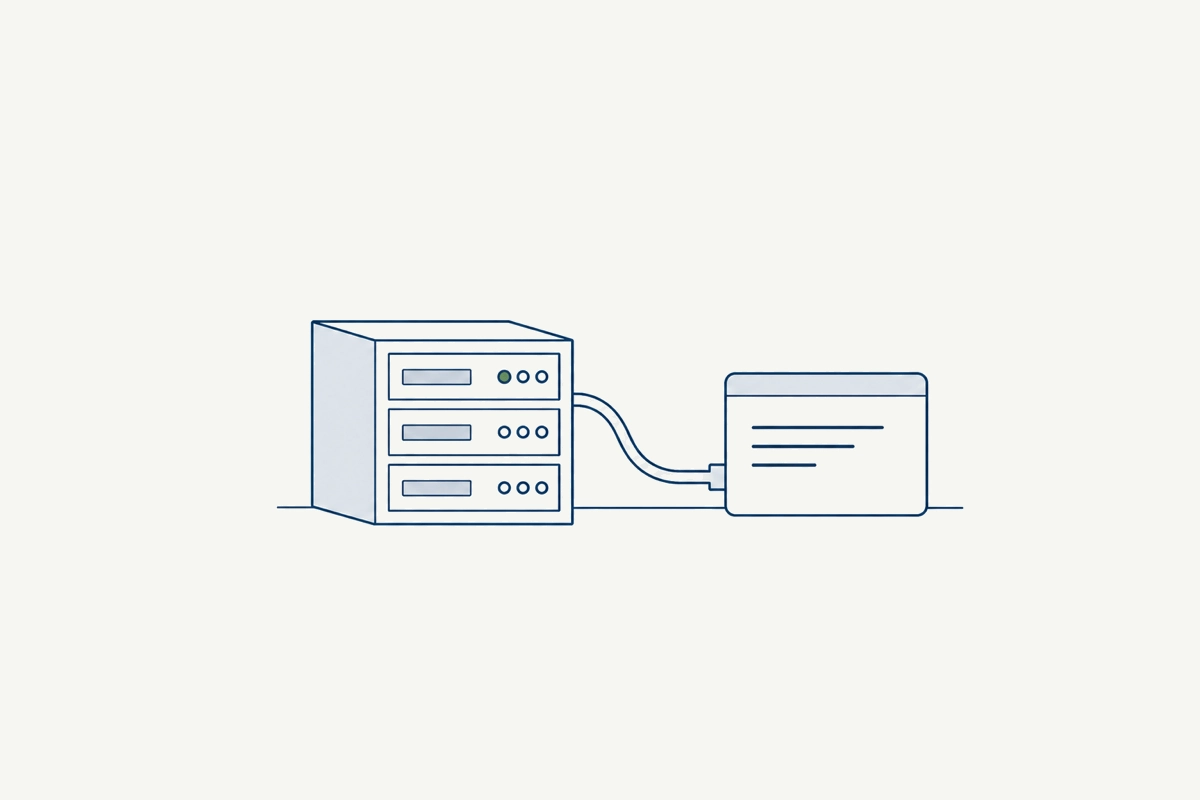
Imported OpenAPI operations, servers over SSH, commands and scripts, Docker. They sit in the same workflow as the screen operations.
Credentials are encrypted secrets, never written into the workflow.
Say what you want in your own words, and the assistant builds a workflow and proposes it.
Nothing is saved until you choose Apply.
Write steps such as “enter the login ID”, and AI reads the screen to carry them out, in a browser or a desktop application. A small screen change does not mean rewriting the steps.
Steps are plain sentences, so anyone can check what a workflow will do before it runs.
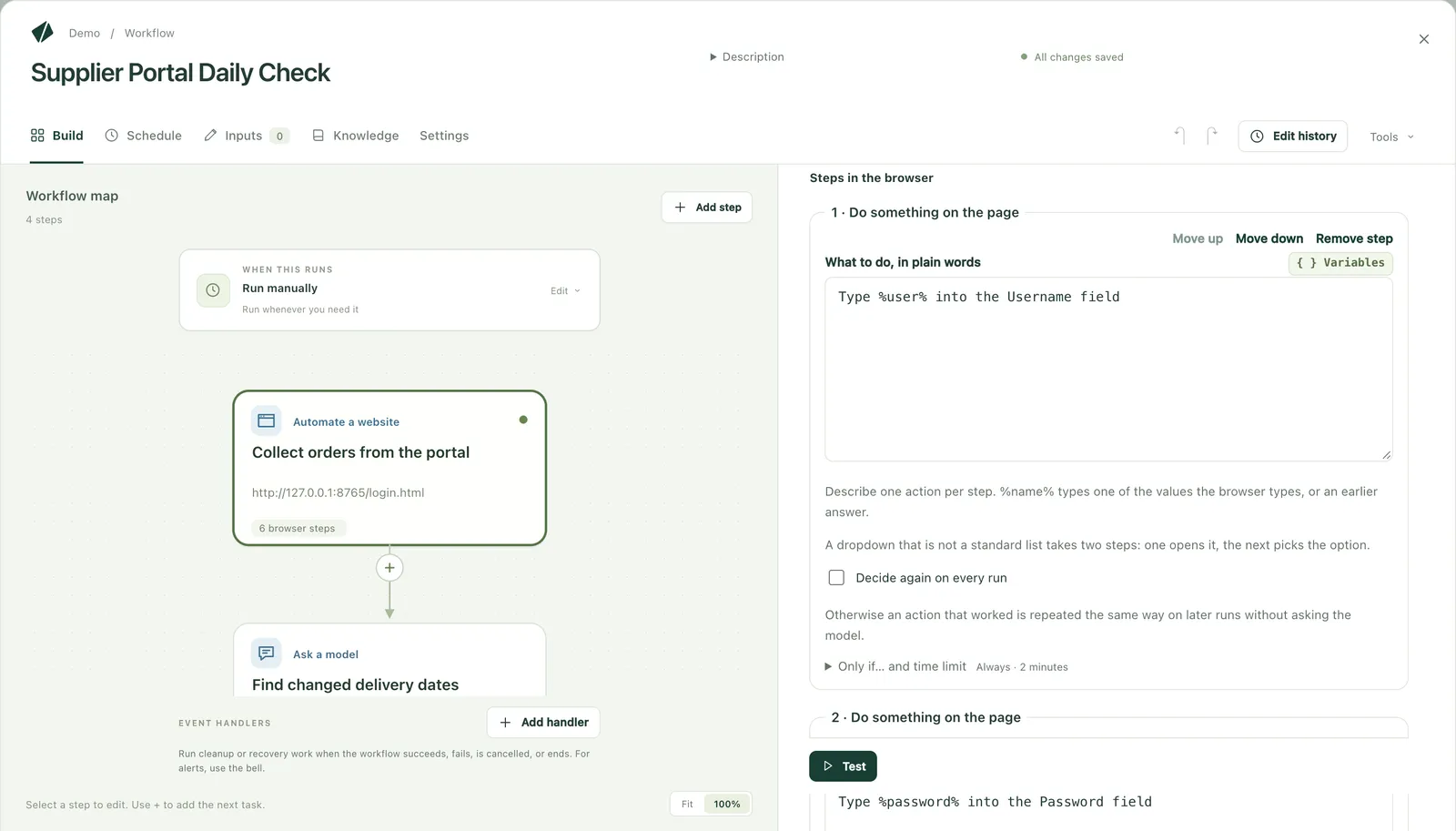
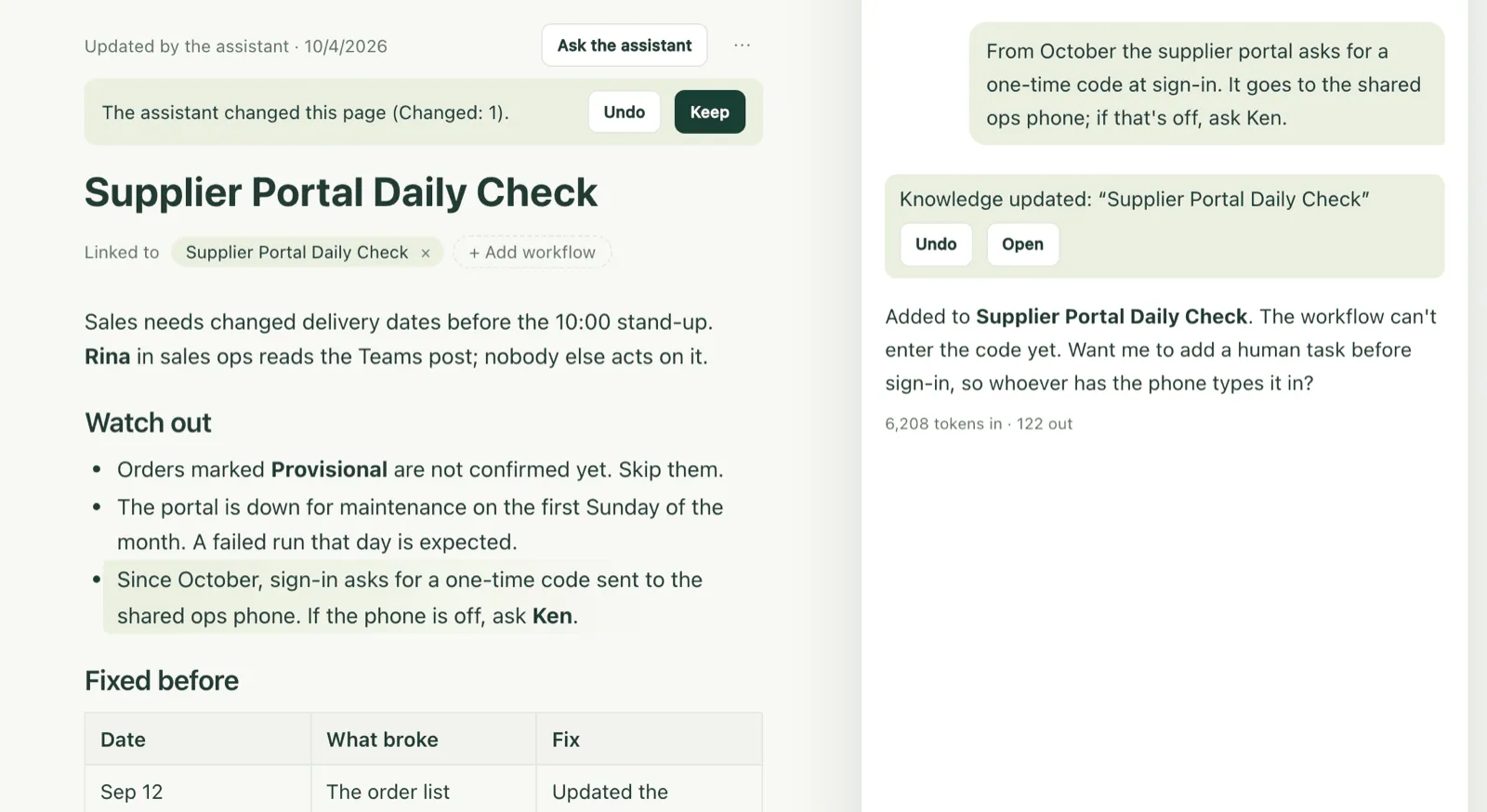
From the step that stopped, ask the assistant about the cause. Once fixed, run again from that step.
Completed steps keep their results.
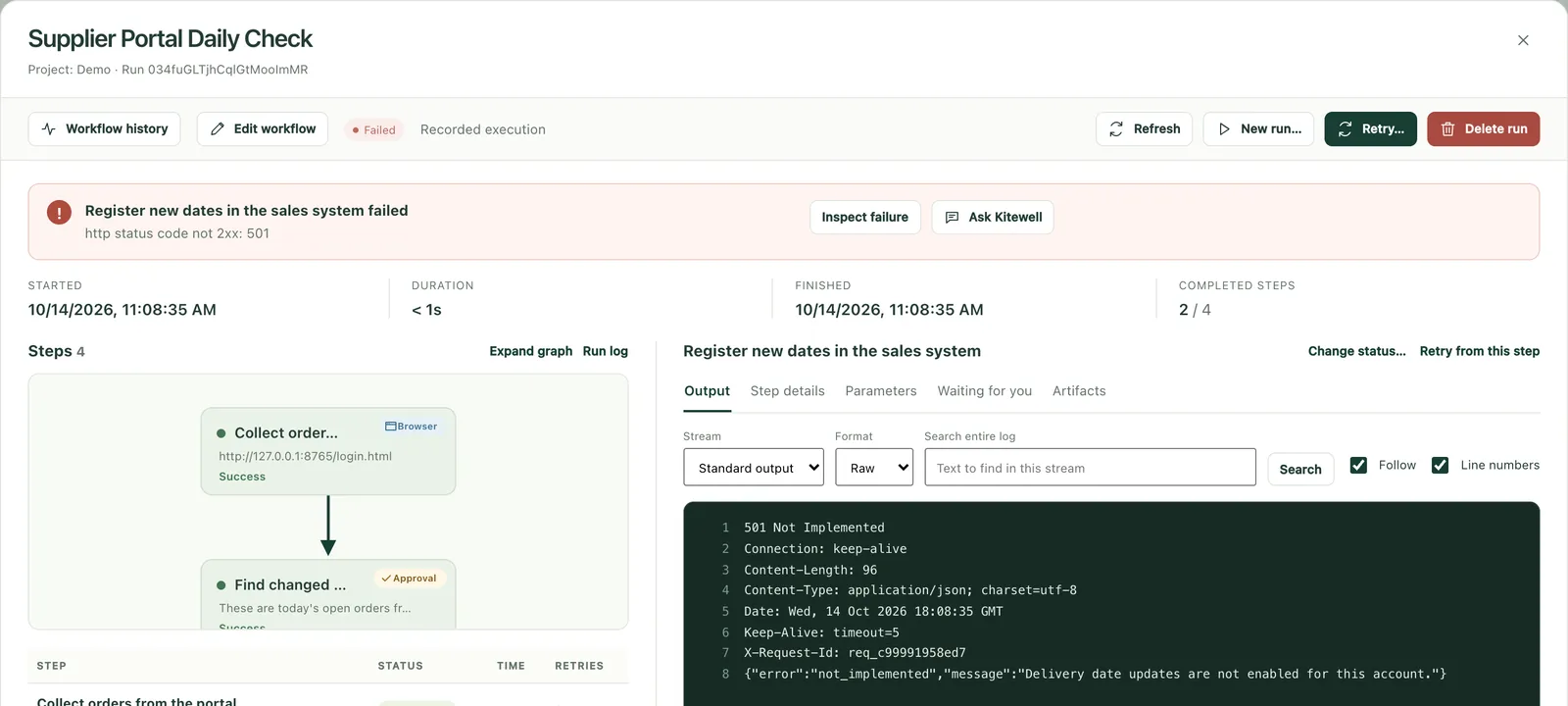
Tell the assistant a fact, a rule, or a fix, and it writes it into the knowledge, then reads it before it answers, whether you build a new workflow or fix one. Whoever asks starts from the same place, so the more you use it, the less anyone has to explain.
The lines it changed are marked and can be undone at once. After reading a web page or a run's output, it asks before saving.
Add an approval to any step. What was decided, and when, is recorded.
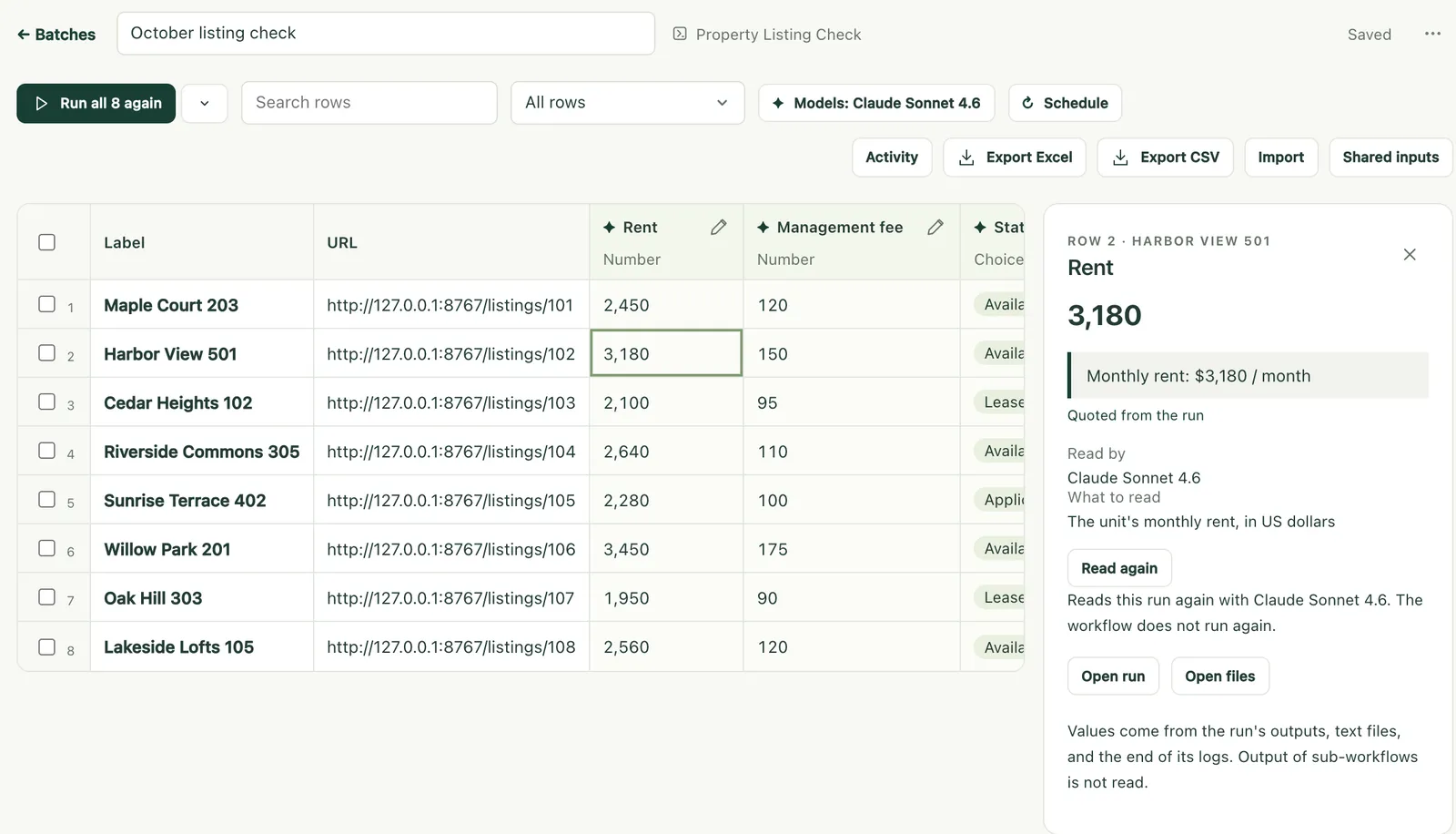
Open your workbook and say what should happen for each row. Results are written back into each row of your own workbook, and can be undone. Values AI reads come with the quote they came from.
Logs and screens for every run, and every version of every workflow. A robot ledger exports to Excel.
The whole team works from the same workflows and knowledge, with no management server to build.
Workflows run on each person's PC or server with their own sign-ins and credentials. No shared robot account is needed.
A workflow or page someone fixes reaches the team's devices on its own. On the paid plans (Personal and Team), even an unattended device picks up the new version about every 5 minutes.
Give each person a role on each project. Each run is recorded on the machine that ran it.
Fixes are shared only within your team. Descarty never uses your workflows or knowledge to train AI, and never shares them with other customers.
Kitewell runs on Dagu, the open-source workflow engine Descarty develops. You are never locked in to one vendor.
 Real estate
 Finance & insurance
 Leasing
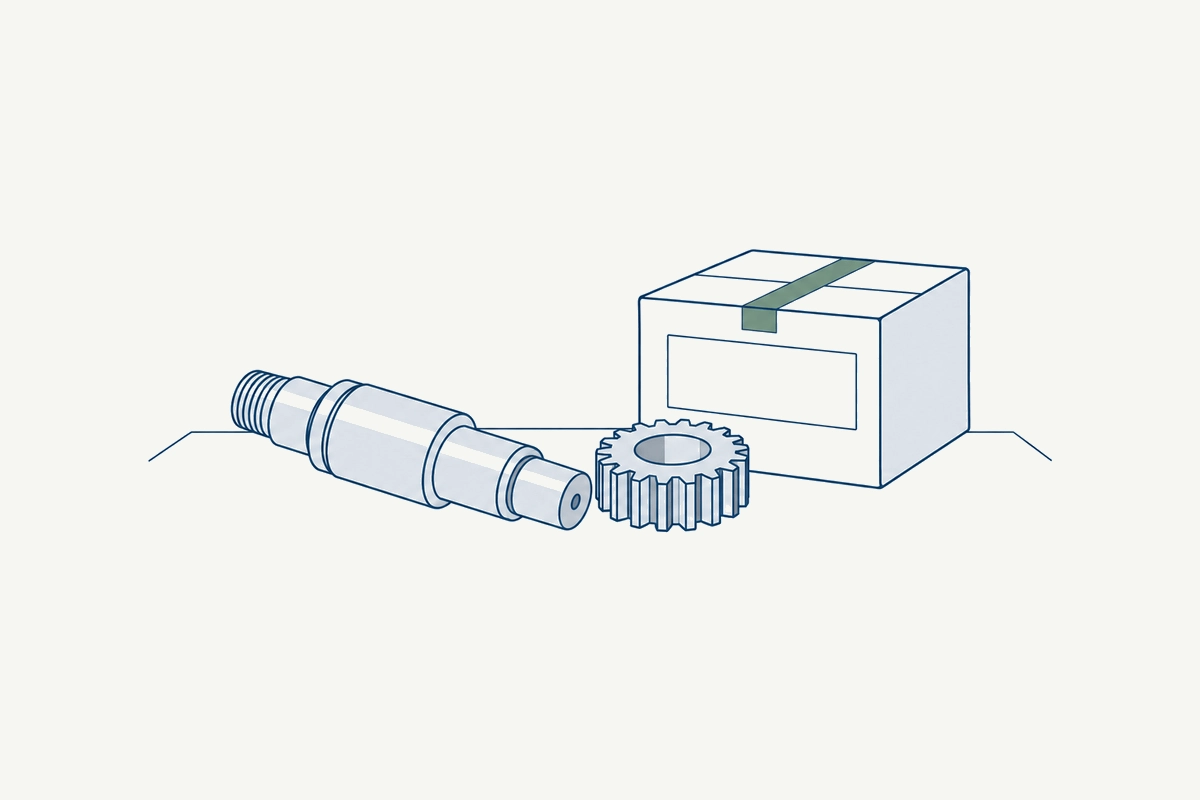 Manufacturing
 Logistics
 Retail & e-commerce
 Insurance agencies
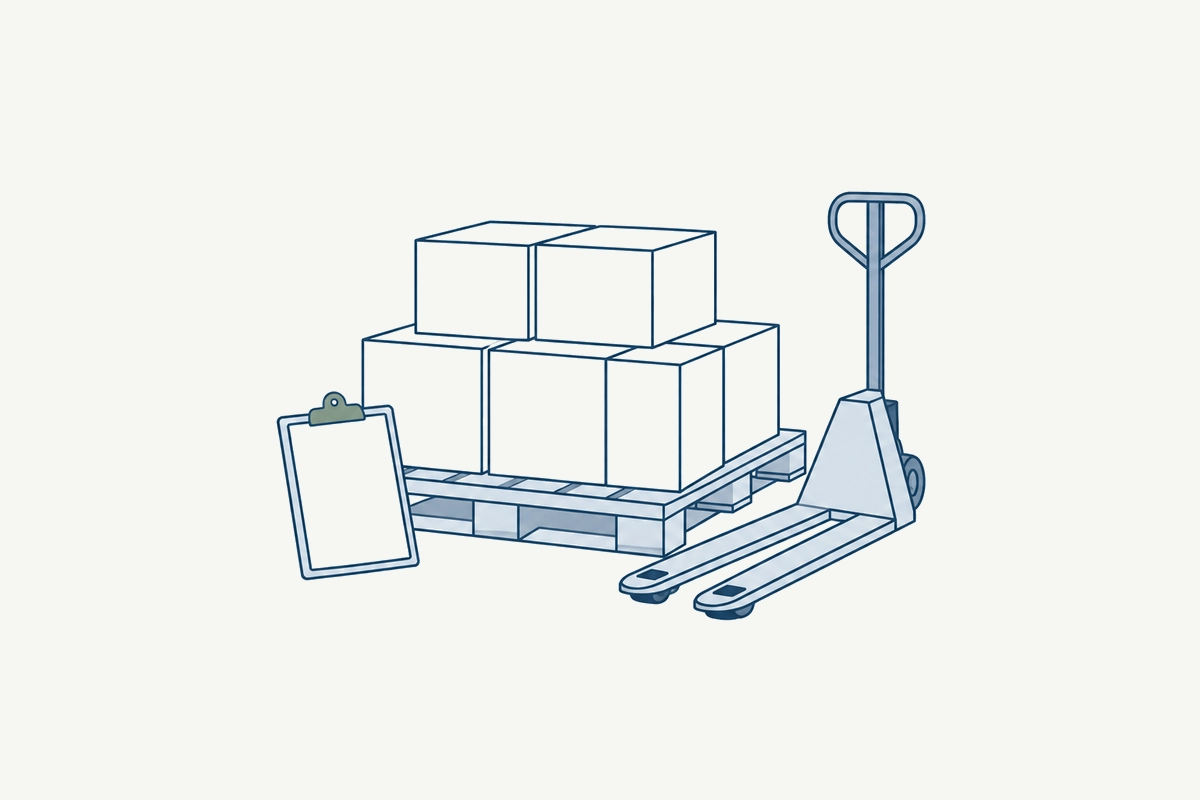 Wholesale & consumer goods
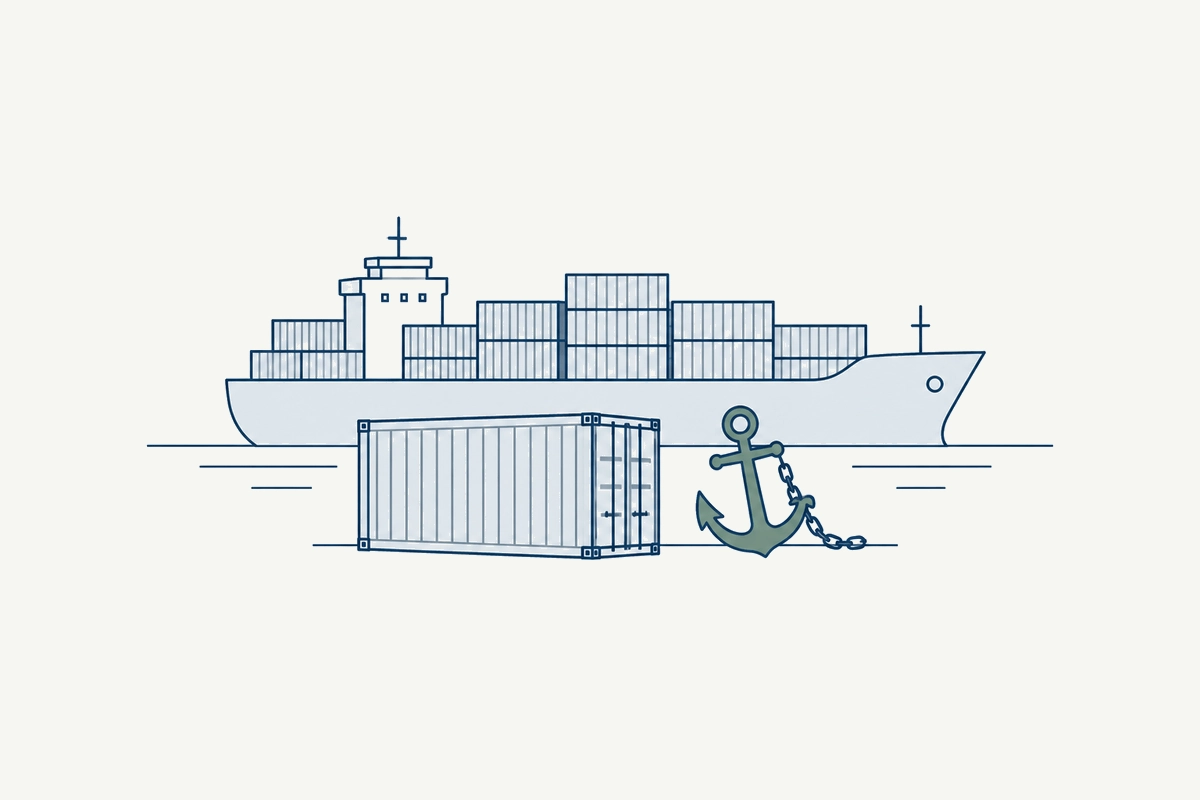 Freight forwarding & customs
 Construction
 Staffing & recruitment
For each row of an Excel list of orders, AI enters it into a web system and writes the receipt number back into the row. Only failed rows are redone.
Every morning, collect new orders and delivery date changes from several customers' supplier portals and, after review, record them in the sales system.
AI reads incoming invoices, checks them against purchase orders, and records them in the accounting system. Invoices whose amounts differ wait for approval.
Your Excel property register is compared with each listing portal, and any difference in rent or availability goes into the row and to the person responsible.
For an Excel list of hundreds of companies, each one's business, locations, and size are collected from its website into its row, with a priority for sales.
For each new partner on an Excel list, AI searches news and public sources and flags anything to check. A person decides, and the result stays in the row.
Choose one to three real tasks, and a PoC measures the effect on the same screens and data as production.
1
We learn about your work, problems, and RPA.
2
Agree on the tasks and success criteria.
3
Build workflows on your real screens and data.
4
Run them on real data and report the results.
Tell us which work you have in mind, and we will propose how a PoC would run.
For your own work, start free from the product site. Go to the Kitewell site